
-
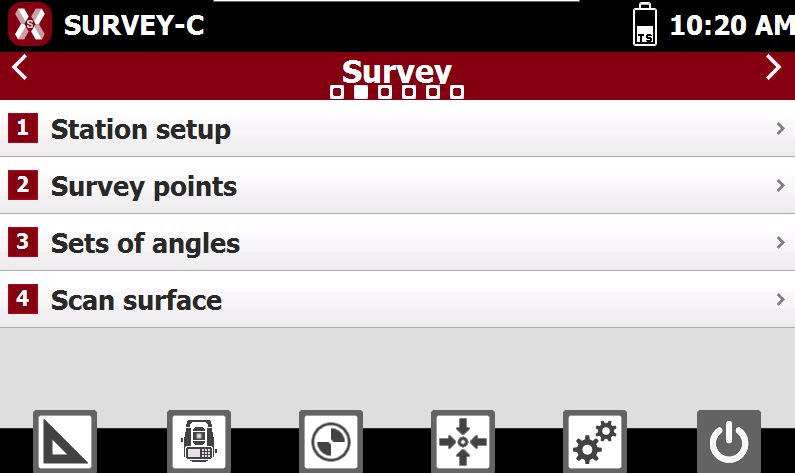
This page explains the organization of the software main window.
-
The main window is characterized by a main “circular” menu on top, by commands corresponding to main menu and by the general purpose commands icons.
-
The “circular” menu allows to access to the list of commands corresponding to selected menu.

-
To move from one menu to another press the corresponding buttons or use the two buttons.
-
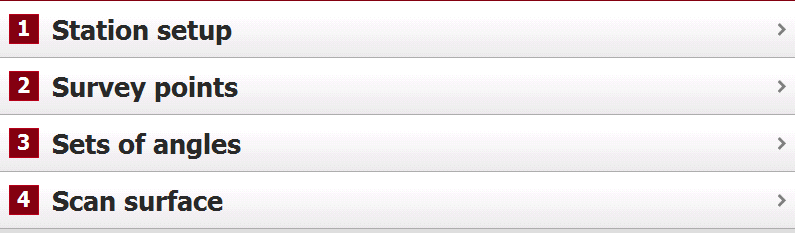
In the middle they are shown the commands corresponding to the selected main menu; to run a command touch the corresponding item or select the corresponding number on the instrument keyboard.
-
In the bottom part there are the general purpose commands.

-

-

-

-

-

-

-