
-
When a file has to be selected, for example when it is imported or selected as external document, the following page is opened.
-
It is possible to select a file from internal memory, USB pen drive or SD card, depending on available total station options.
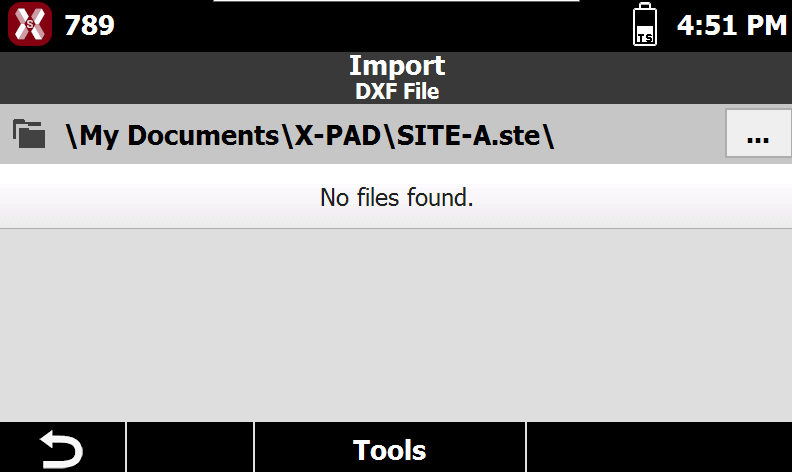
Select a file
-
The page shows the selected folder in the internal memory in the top bar.

-
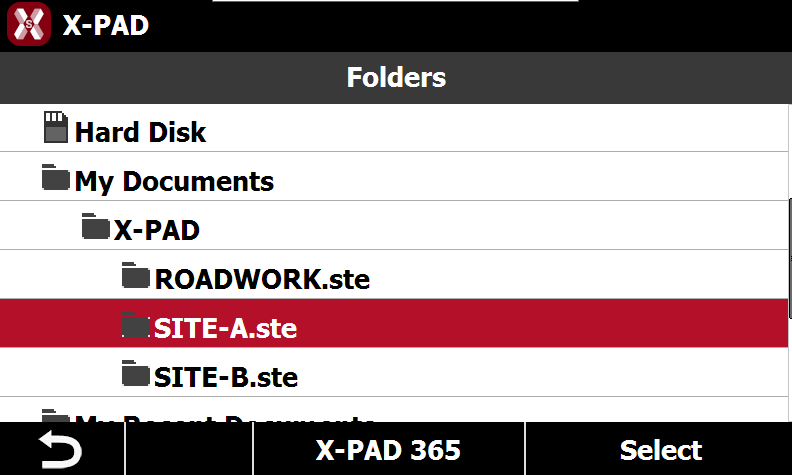
Press … button to select a different folder.
-
Click on the folder and press Select to open selected folder.
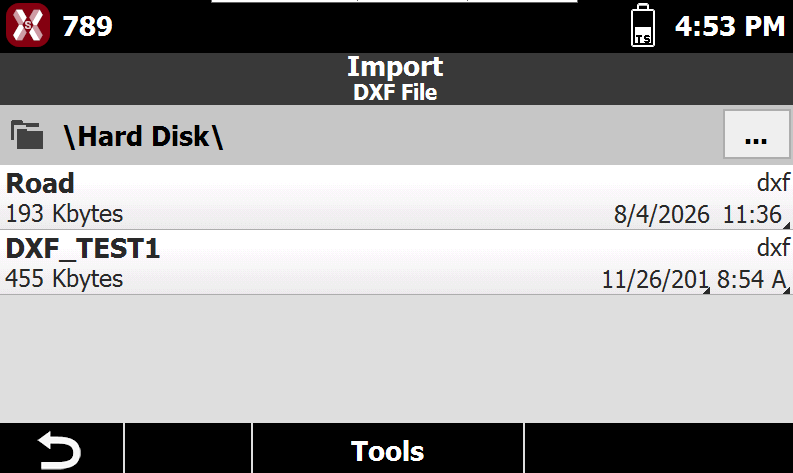
The software by default displays only the files with the correct extension. For example when importing a DXF file, only files with DXF extension are visualized.
-
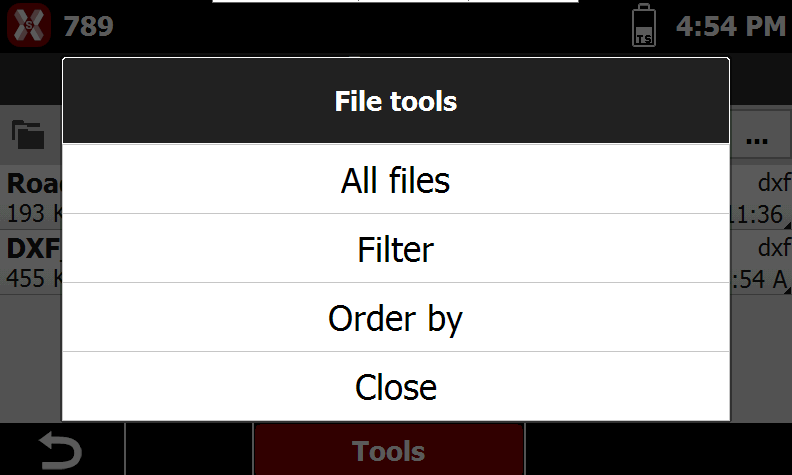
Press Tools to change the visualization options.
-
All files: allows to visualize all files in the folder independently from file extension.
-
Filter: only shows the files with correct extension.
-
Order by: allows to order the files by date or name.
-