
The information contained in this chapter covers the standard first steps for using the software. For detailed descriptions of all features, advanced workflows, configuration options, and reference information, refer to the complete User Manual. The full manual provides comprehensive documentation for all functions and capabilities available in the software.
-
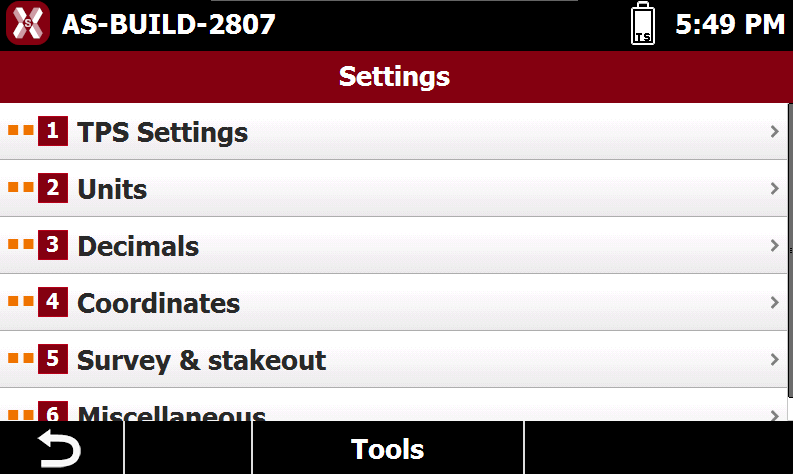
With an X-PAD job opened it is possible to change the software settings, such as units and decimals.
-
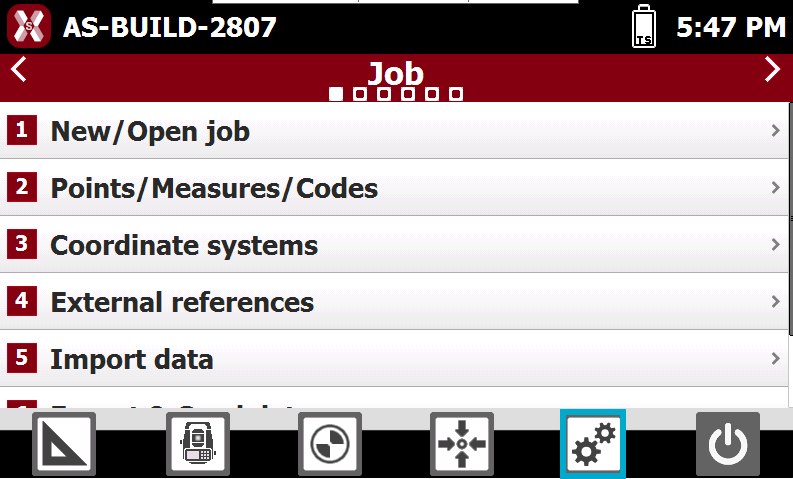
Press Settings icon.
-
Select the settings to change. See Settings for more information.
-
When settings have been changed, press Tools and Save as default to save the settings as default.