
The information contained in this chapter covers the standard first steps for using the software. For detailed descriptions of all features, advanced workflows, configuration options, and reference information, refer to the complete User Manual. The full manual provides comprehensive documentation for all functions and capabilities available in the software.
-
Export allows to export points, drawings and other data to files in various formats to be used in other applications.
-
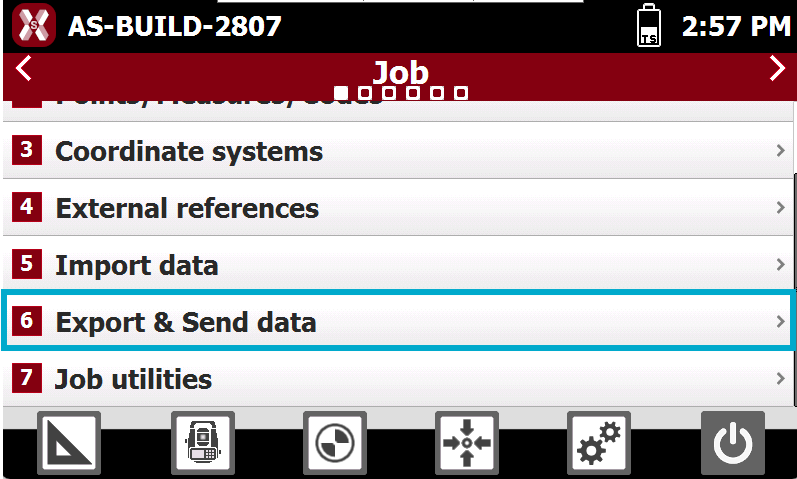
To export data from the current job open Job page.
-
Select Export and send data.
-
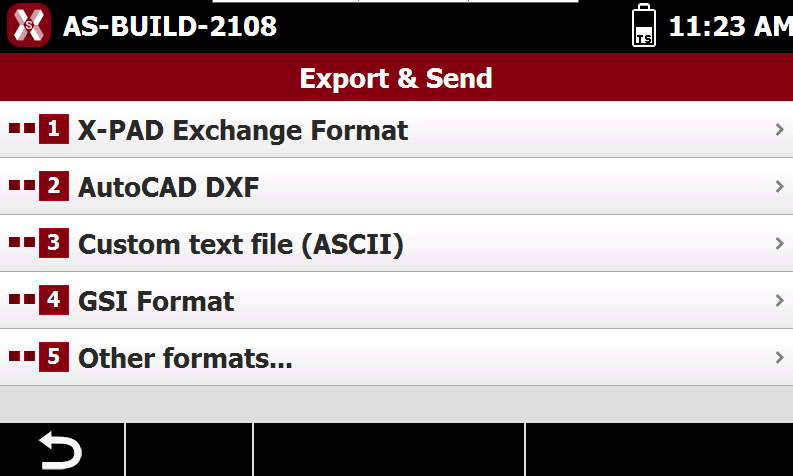
Select the format to export the data.
-
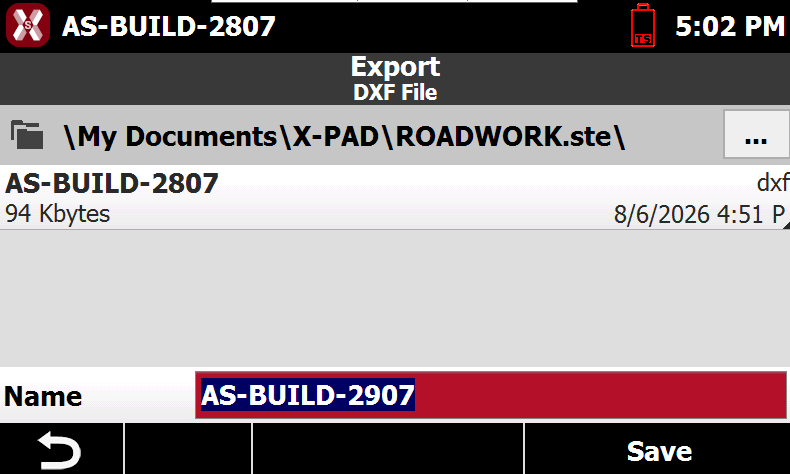
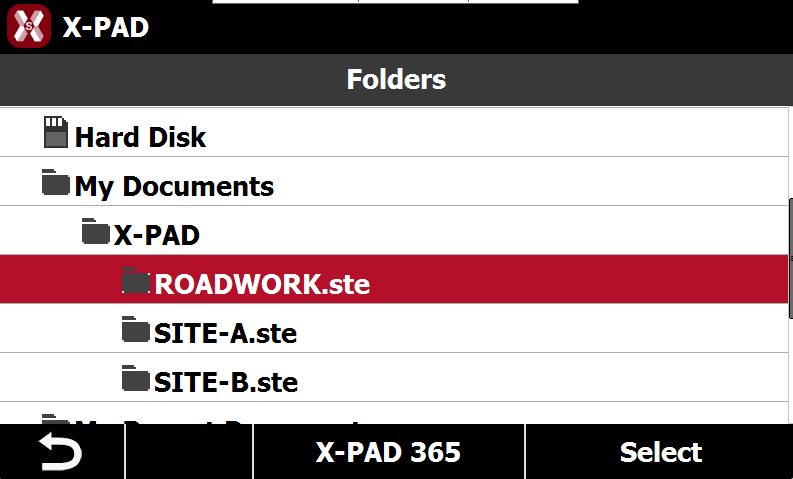
Select the export location.
-
Name: the name of the file to save..
-
-
Press

-
Press Save: to save the file in the current folder.
-
Depending on the selected format, enter the export parameters.
-
Press Export to conclude the operation.